Everything the viewer can do
From the part tree to measuring: every function is built for daily use in a precast plant, and can be switched on or off per plant.
Easy filtering per workstation
Every part is neatly grouped by category and name: rebar, electrical, cast-in items and so on. An element often passes through several workstations in the plant. Configure per workstation which groups are visible, so each position only sees what is mounted or checked there.
Grouped by category & name
Every group and every level switches on and off independently.
Presets per workstation
Save the visibility per workstation as a preset. Presets match on part names, so they work on the next element too.
Hide & isolate
Right-click any part to hide or isolate it, even while measuring.
Colour coding
Configurable group colours, applied consistently on every element: operators recognise lifting anchors, electrical and cast-in items at a glance.
Measuring in two clicks
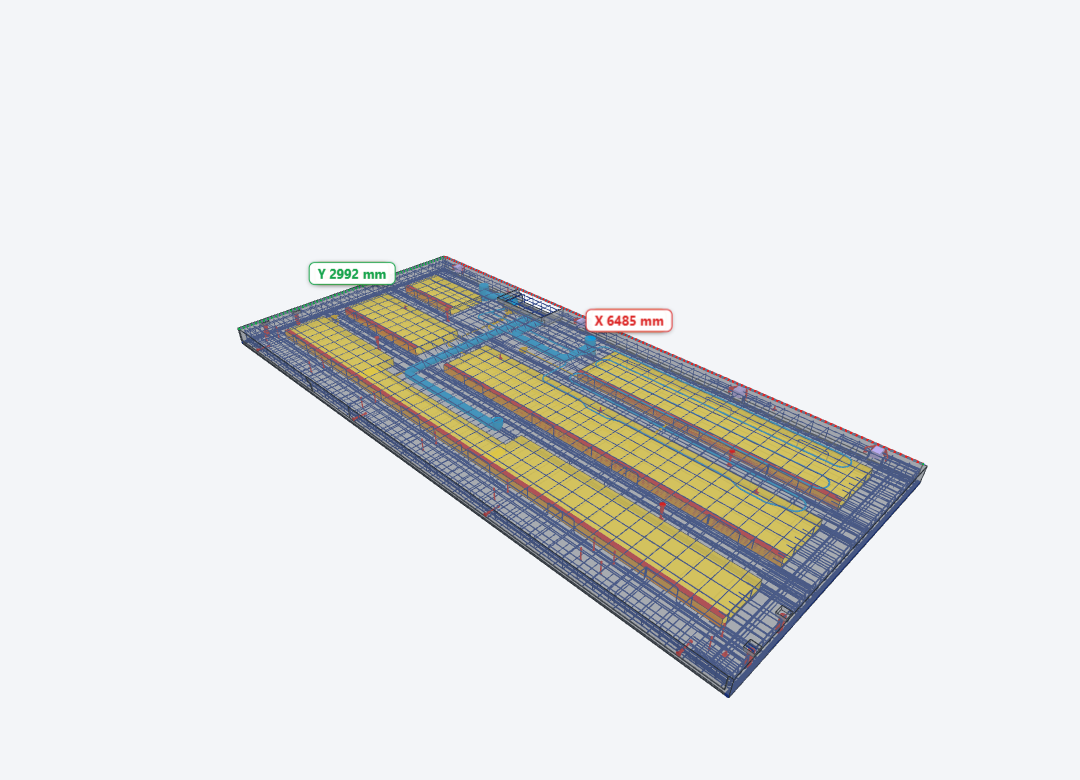
Measuring in the model is kept deliberately simple: two clicks and the dimension appears on screen in millimetres. Click a face and a part for the perpendicular distance, or two parts for the distance with X, Y and Z components. No training needed; anyone on the floor can use it right away.
2D drawings are indispensable on the production floor, and they stay that way. But next to the drawing, some questions are simply answered faster in 3D: seeing exactly where an insert sits in the element, and measuring it from any side. The viewer complements your drawings with a 3D view you can measure in.
Edges & corner points
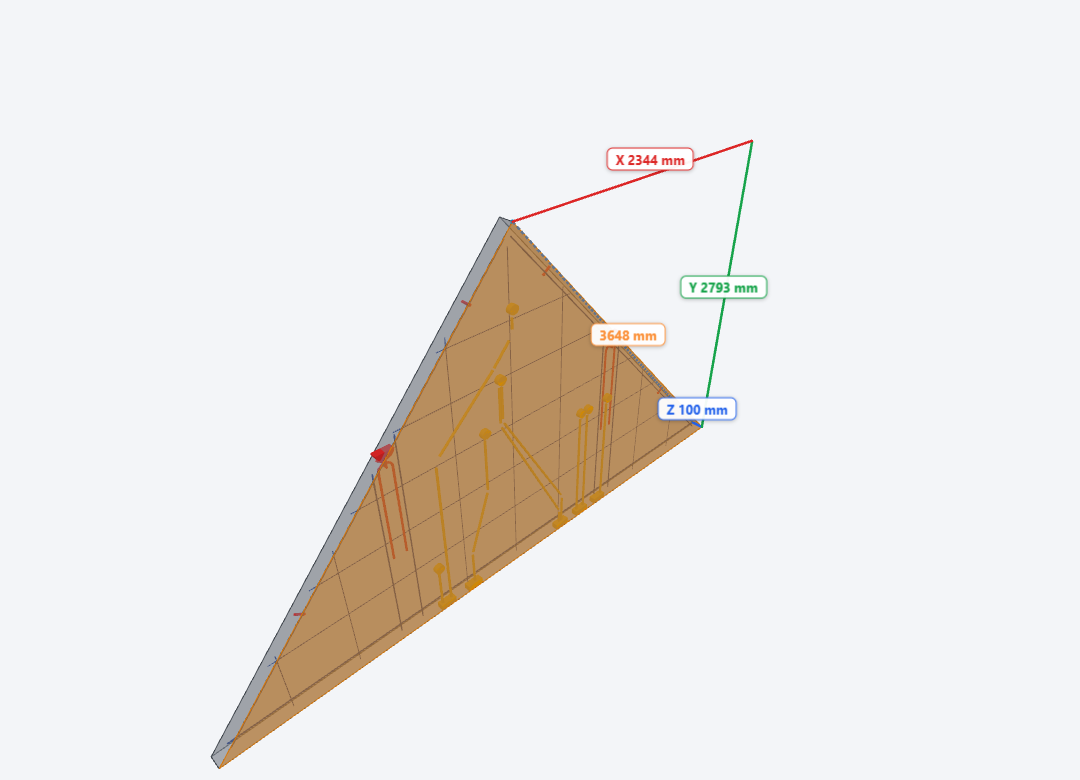
Measure from edges and corner points too: the shortest distance to a line, or exactly corner to corner. Ideal for sloped and bevelled sides.
Aligned measuring
Turn any dimension line into a reference axis and click parts to chain dimensions along it, for example anchors along a sloped gable edge.
Select with Tab
Several faces or parts under the cursor? Tab picks exactly the face or part you want.
Drawing view
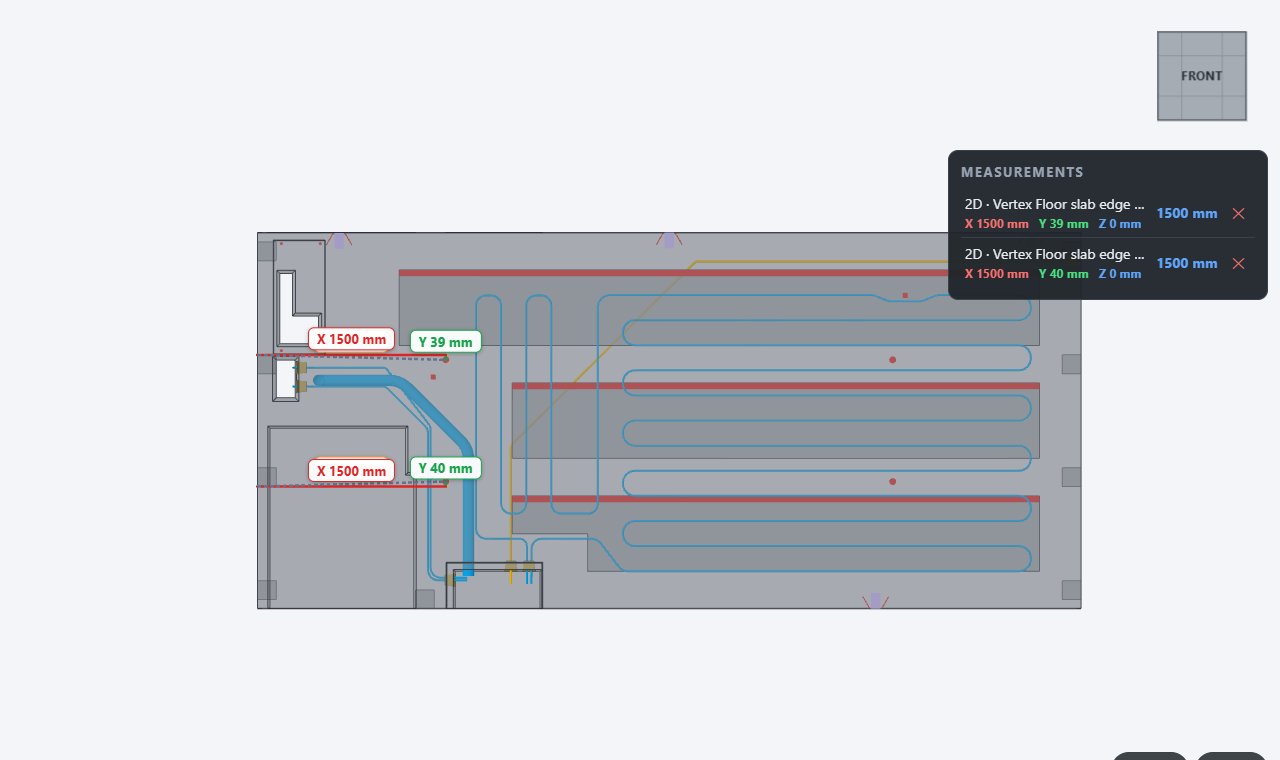
Look straight at the element (e.g. the front view) and the viewer shows a 2D representation of the 3D model, without perspective. Measuring then works just like on a 2D drawing: flat, with no depth, at the same precision.
Made for the production hall
Beyond viewing and measuring, the viewer speaks the language of the factory: the tilting table, the mould and the rebar shop.
Pallet view
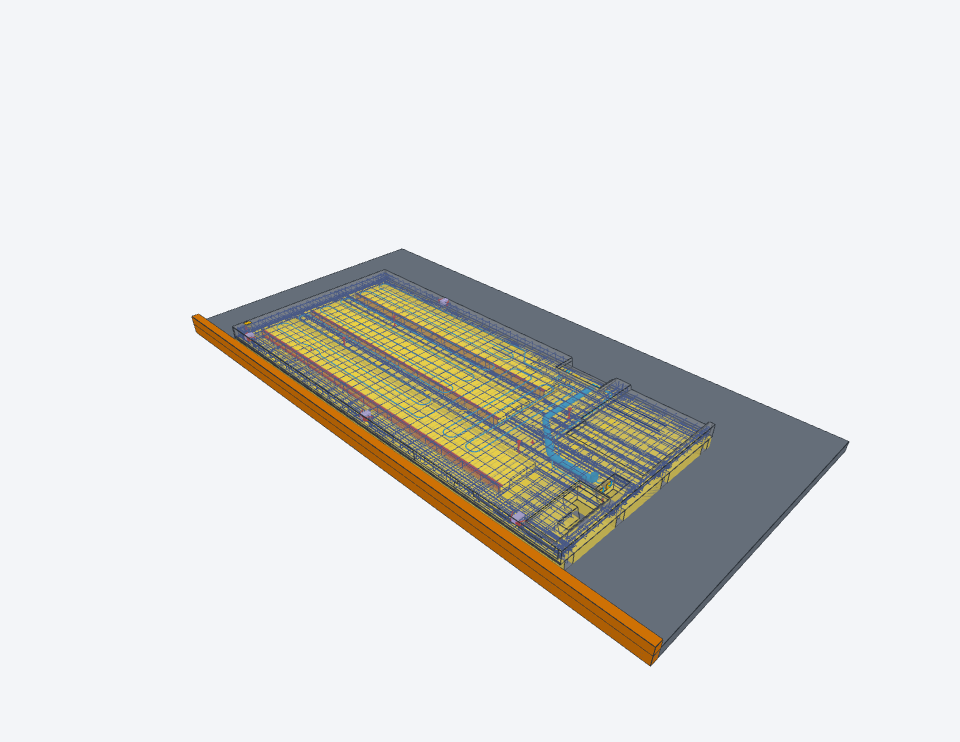
One click lays the element flat, exactly as it lies on the production pallet, with the bottom edge against the fixed tilting edge.
Turn the element
Cast side or mould side up? Turn the element over while it stays flat on the table, just like production does.
Rebar module
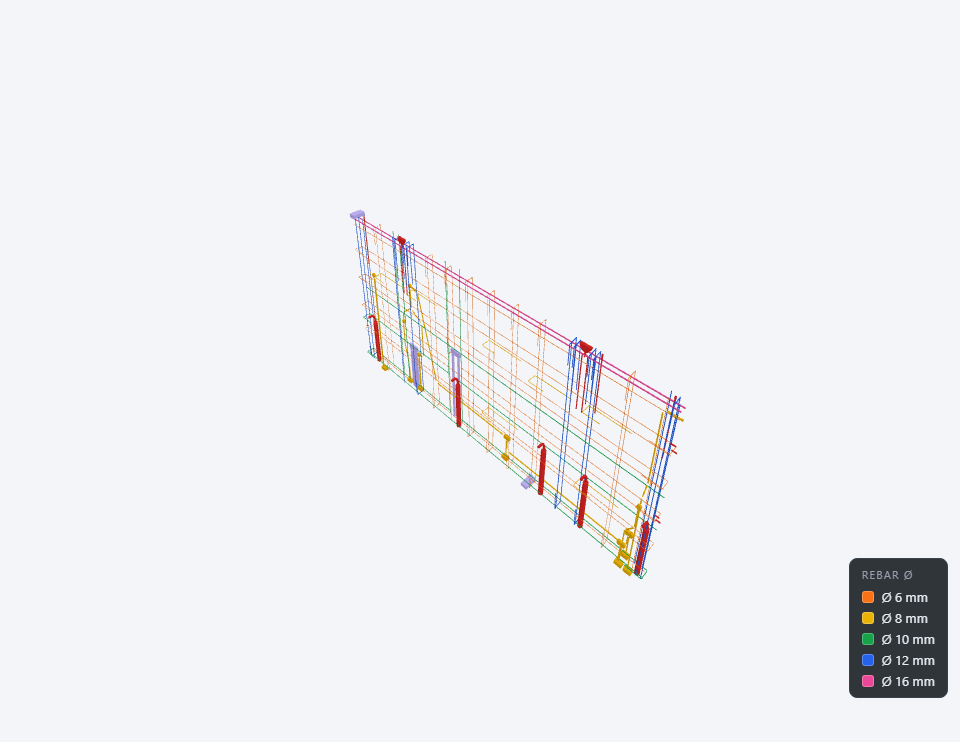
Colour bars by diameter with a legend, measure centre-to-centre spacing (also chained), and read the length and Ø of any bar, straight through the concrete.
Original IFC colours
Switch between the viewer’s group colours and the original colours from the IFC file.
Transparency
See through the concrete to check rebar and cast-in items, per part or for the whole element, with crisp edge lines.
CAD-style navigation
Pan, rotate and zoom like you’re used to: middle mouse button, scroll wheel, configurable rotate mode. Works with just a mouse, no keyboard needed.
Runs on tablet too
Touch-friendly from the ground up, with a tablet app alongside the desktop viewer.
View IFC properties
Click a part and view its IFC properties: type, material, dimensions and quantities, straight from the file.
Built to order, for your plant
Every IFC Production Viewer is customised per customer.
Colours & categories
Part groups, colour coding and naming that match the way the factory works.
Workflows
Presets, filters and tools set up per workstation, from mould prep to QC.
Features on request
Missing a function? It gets built on request.
MES integration
Can be connected to your plant’s MES system: tell us your setup.
Also strong at the office
The viewer is built for the production floor, but work planners get just as much out of it. Most work preparation departments have no expensive CAD licences and no CAD training; with the viewer they still examine every element in 3D before it goes into production.
Check before production
Walk through the element in 3D, check cast-in items, openings and rebar, and catch issues while they are still easy to fix.
No CAD licence needed
Opens any .ifc directly: no modelling package, no licence server and no training.
Same view as the floor
Office and production floor look at the same element in the same viewer, which makes discussing a detail much easier.
Presets ready for the line
Set up the right filters per workstation and save them as a preset: the production floor then opens the exact same view.
Works with IFC
IFC is the common, open exchange format in construction, and the viewer works with any IFC file. For precast concrete, IFC4precast is just as common: each element to be produced then gets its own IFC file, which the viewer supports just as well.
IFC4precast is exported by, among others:
- ALLPLAN / PLANBAR
- Tekla Structures
- DICAD STRAKON
- IDAT Precast (Revit)
- StruSoft IMPACT
- BIMpro (Progress)
Request a quote or trial
Describe what you produce and receive a trial viewer tailored to your plant, with no strings attached.